Install novE on your iPhone.
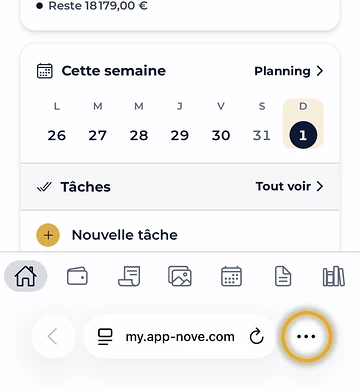
In Safari, on my.app-nove.com, tap … at the bottom right.
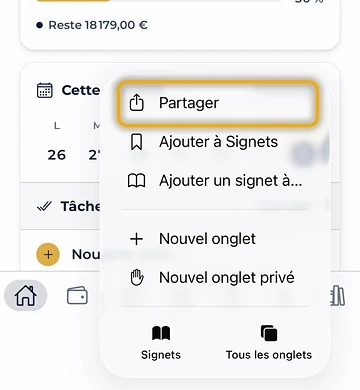
Tap Share.

Tap View More.
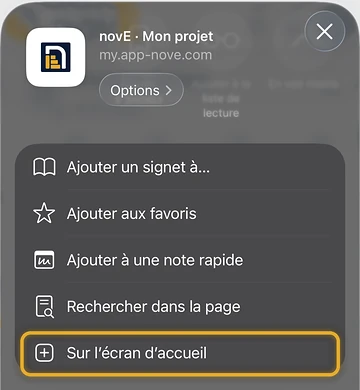
Choose Add to Home Screen.
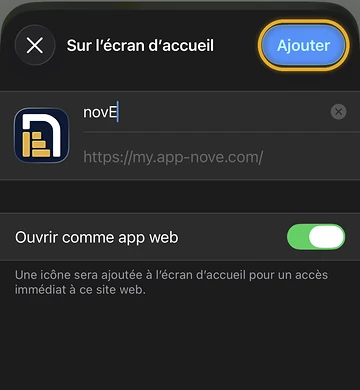
Tap Add: the novE icon appears like an app.
On an older iOS version, the Share button is right in the bottom bar of Safari.
Open my.app-nove.com
In Instagram or Facebook? Open the page in Safari first.